

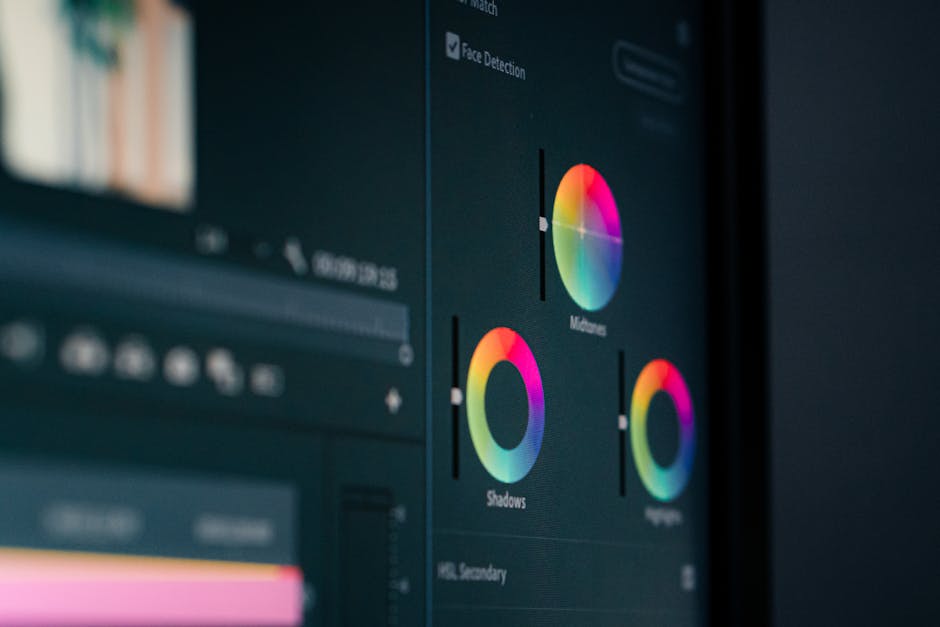
RAW beats JPEG whenever you need to edit exposure, white balance, or shadows later. But JPEG wins when you want smaller files and finished images right away. In 2026, that tradeoff is still the same—even as cameras get smarter.
When I review cameras for work, I always run the same test: shoot the same scene in RAW + JPEG, then edit both in the same software. After a few rounds of light and color fixes, RAW keeps more “real” detail in tricky areas like dark hair, deep shadows, and mixed lighting. JPEG gives you a nice, ready-to-share file, but it’s already made lots of choices for you.
This guide is built for photographers who actually shoot. I’ll show you when RAW vs JPEG in 2026 makes the most sense, what the file-size tradeoff looks like in real numbers, and how to avoid common editing mistakes that ruin your results.

RAW vs JPEG in 2026: the simple answer most people need first
RAW is camera data that needs processing. JPEG is a finished image that’s already processed and compressed. So your choice should match your editing plan.
Here’s the quick rule I use in the field:
- Pick RAW when lighting changes, you’ll edit later, or you care about maximum quality.
- Pick JPEG when you need fast sharing, smaller cards, or fewer editing steps.
- Pick RAW+JPEG when you’re not sure, or when you need a backup for clients.
That’s the answer. Now the “why,” with real-world numbers and a workflow you can use today.
What RAW really means (and why it feels more forgiving)
RAW refers to sensor data recorded by your camera with little in-camera “finishing.” The camera stores the raw values, and editing software turns them into a viewable image.
Because RAW keeps more of the original information, you can change key image settings later without the image falling apart. In plain terms: you get more control over brightness (exposure), color (white balance), and shadow detail.
One thing I learned the hard way: RAW editing is not magic. If a highlight is totally blown out (pure white with no detail), RAW won’t bring it back. But if you’re close—like highlights that are bright but not pure—you’ll often save them with RAW.
RAW editing flexibility you’ll notice in real scenes
The biggest RAW wins show up in these situations:
- Mixed lighting (window light + indoor bulbs): you can correct white balance after the fact.
- Dark subjects (hair, clothing, night scenes): you can lift shadows without making the image look gritty.
- Fast changes (sun going behind clouds): you can fix exposure without having to reshoot.
In 2026, most cameras also add helpful tools like in-camera previews and better highlight warning. Still, the core idea stays: RAW gives you more editing moves.
What JPEG really means (and why it’s great for “done now” photos)
JPEG refers to a processed and compressed image format. Your camera applies settings like picture style, sharpening, noise reduction, and white balance before saving.
JPEG is smaller because it throws away some information. It’s not “bad.” It’s just less flexible after capture. Once you’ve changed the look, you can’t go back to the original sensor data—because it’s no longer stored.
When JPEG still beats RAW
JPEG wins when your priority is speed and storage:
- Sports and events: you can spray bursts, deliver fast previews, and still get good results.
- Travel: fewer files to sort means less time at the computer.
- Social posting: JPEG works as a ready-to-share file without extra steps.
If you shoot with a camera app on your phone workflow, JPEG can also fit better when you’re sending images quickly or culling on-device.
File size tradeoffs: real numbers from 2026 shooting
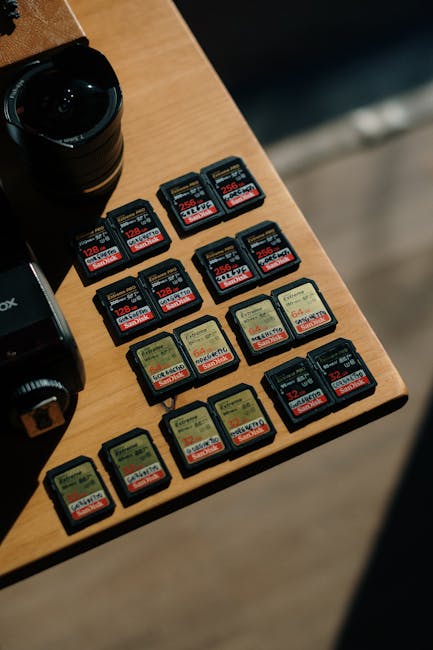
This is where people get surprised. Camera makers keep improving efficiency, but RAW is still much larger than JPEG. The exact size depends on your camera, resolution, and settings.
To make this practical, here are typical file-size ranges I see in modern cameras in 2026:
| Format (typical modern camera) | Typical file size per photo | What it means for storage |
|---|---|---|
| JPEG (fine) | 8–20 MB | More photos per card and faster transfers |
| RAW (uncompressed) | 25–60 MB | Fewer photos per card, slower backup |
| RAW + JPEG | 33–80 MB total (depends on sizes) | Best of both worlds, biggest storage hit |
Let’s turn that into a real example. Say you shoot 1,000 photos on a weekend shoot.
- JPEG only: at 15 MB average, that’s ~15 GB.
- RAW only: at 40 MB average, that’s ~40 GB.
- RAW + JPEG: at 55 MB average, that’s ~55 GB.
That’s why photographers feel the pain on long trips. Your memory cards fill up sooner, and your drive space disappears faster.
Storage math you can use right now
Use this quick way to plan cards and backups:
- Pick an average file size for your camera (check a sample from a recent shoot).
- Multiply by your expected number of frames.
- Add 10–20% for mistakes, bursts, and extra attempts.
I also tell people to leave extra space on drives for working files. Editing apps often create previews and caches, and those add up.
Editing flexibility: how far you can push each format
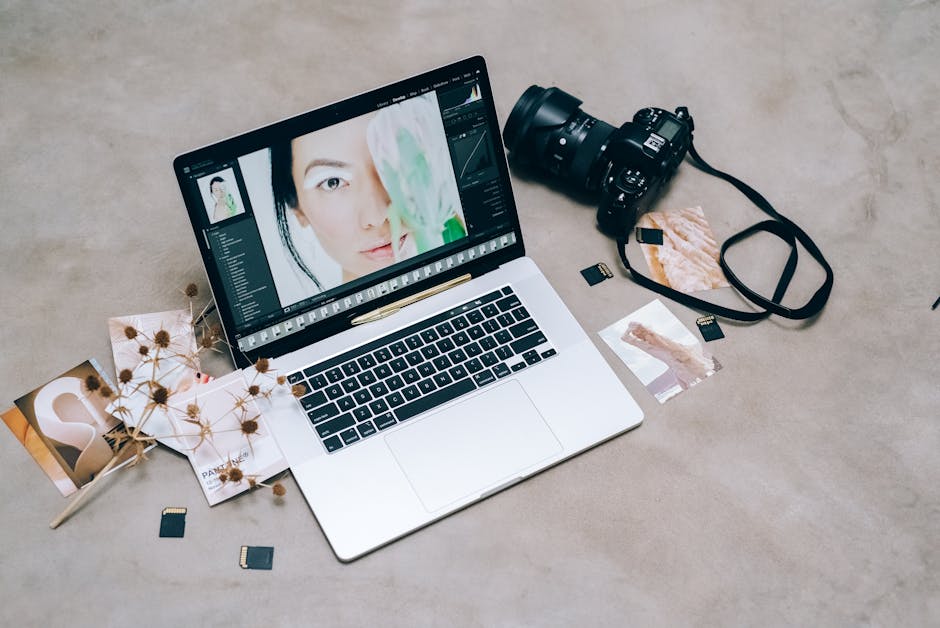
Editing flexibility means how much you can change a photo later without it looking worse. RAW is built for that. JPEG is built for “finish and move on.”
In my workflow, I edit RAW in Adobe Lightroom Classic, Capture One, or similar tools. JPEG can also be edited, but you’ll hit limits sooner. When you push shadows too far on a JPEG, you start to see blocky textures and ugly noise.
What you can fix easily with RAW
- Exposure tweaks: pull down bright areas or lift dark areas without harsh banding (banding is when you see steps in gradients).
- White balance: fix a warm interior light or cool shade quickly.
- Color tweaks: fine-tune saturation and hue with cleaner transitions.
- Detail in shadows: recover more structure under the surface.
What you can’t undo on JPEG
These are the limits that matter:
- Noise reduction is baked in: if your camera applied strong noise reduction, pushing details later makes it look mushy.
- Highlights are already compressed: you’ll get fewer “second chances.”
- Sharpening is permanent: too much sharpening shows as halos.
If you want a “good enough” look with little editing, JPEG is fine. But if you want control, RAW is the tool that gives you options.
When RAW vs JPEG in 2026 is a clear win (by shooting type)
Here’s a practical breakdown. I’ll name the scenario first, then the format that usually makes life easier.
Portraits and event work (RAW usually wins)
Portraits and events often include mixed lighting, fast moments, and skin tones that need careful control. I choose RAW because I can fix white balance and exposure after the fact, especially under LED lights.
If you deliver quickly, RAW+JPEG can be the compromise. Use the JPEGs for quick previews, then polish the RAW files for final images.
Street photography (JPEG can be perfect)
Street shooting rewards speed. If your light is stable and you’re okay with a “camera-made” look, JPEG can save time. I’ve also used JPEG when I’m doing long walks and I don’t want to fight files later.
The mistake I see: people shoot JPEG with a heavy sharpening or a strong noise reduction preset and then blame the camera. Set your in-camera look carefully before you commit.
Landscape and architecture (RAW is the safe choice)
Landscapes have high contrast. You might need to recover sky detail and still keep foreground texture. RAW gives you that extra stretch.
For architecture, you may also need clean color and subtle shadow gradients. JPEG can work, but RAW gives you better “damage control.”
Sports and wildlife (often RAW+JPEG or RAW)
Sports is a burst game. You’ll shoot hundreds to thousands of frames, and you want flexibility for the ones that matter. RAW+JPEG helps because you get ready-to-use images while keeping RAW for the keepers.
Wildlife adds another problem: you can’t always choose the lighting. RAW helps when you’re working with backlight and shadowy fur.
Product photos (RAW for control, JPEG for speed)
Product shots often need steady color and clean edges. RAW helps you keep control over white balance and exposure. But if you shoot for simple catalog work and your lighting is consistent, JPEG can be fast and good enough.
People Also Ask: RAW vs JPEG questions photographers actually ask
Is RAW always better than JPEG?
No. RAW is more flexible, but it’s not automatically “better” for every job. If you never edit and you want quick delivery, JPEG can be the better choice because it’s already processed and smaller.
I’ve seen photographers lose time sorting and editing RAW when their client needed same-day images. In those cases, JPEG (or RAW+JPEG) wins.
How much bigger is RAW than JPEG?
RAW is usually about 2–4x larger than JPEG. For many modern cameras, you’ll see JPEG at 8–20 MB and RAW at 25–60 MB. Add JPEG on top (RAW+JPEG) and you’ll feel the storage hit fast.
If you’re planning a big trip, this one detail decides whether you bring one card set or two.
Can I edit JPEG like RAW?
You can edit JPEG, but you can’t get the same quality when you push hard. JPEG already went through camera processing like compression, noise reduction, and sharpening. Editing can still help—especially small changes—but it won’t match RAW when you need heavy lifting.
Does shooting RAW slow my camera down?
It can, depending on your camera and your memory card speed. RAW creates larger files, so your buffer fills faster and write speeds matter more. In 2026, most newer cameras handle RAW bursts well, but you still need fast cards for long sequences.
If you shoot sports, use the fastest card your camera supports and test burst depth before a big event.
What I do in the field: my RAW vs JPEG settings strategy
I keep it simple. If I’m unsure about lighting or I know I’ll need edits, I shoot RAW. If I know I’m just documenting or sharing quickly, I choose JPEG.
Here’s a real setup I used for a family event last winter (same choice I keep making in 2026):
- Camera mode: RAW+JPEG for skin tones and quick previews.
- In-camera picture style: neutral, not super contrasty.
- After capture: cull on JPEG first, then refine on RAW.
This keeps me from drowning in thousands of RAW files while still giving me quality on the keepers. The “editing flexibility” part matters, but so does time.